-
-
Allow the hotend to cool down completely to room temperature. On the touchscreen, tap 'More' and select 'Disable Motors'.
-
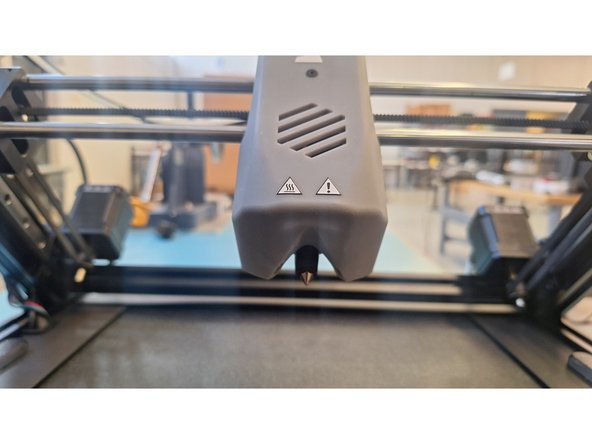
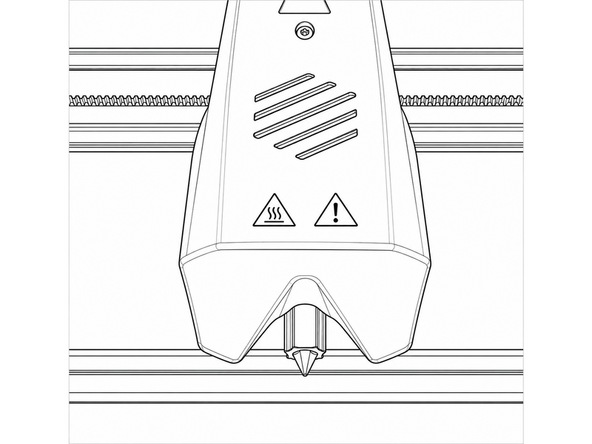
Gently slide the printhead manually to the center of the gantry where you can easily reach the nozzle.
-
Peel off the black silicone sock from the bottom of the heater block.
-
-
-
On the touchscreen, heat the nozzle to 290°C.
-
Always heat the nozzle before unscrewing to soften trapped plastic and prevent thread damage.
-
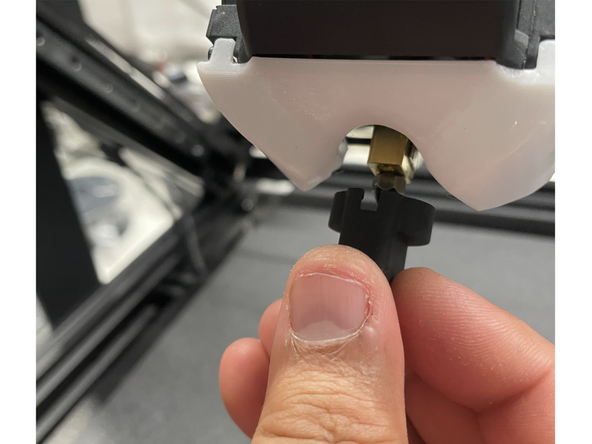
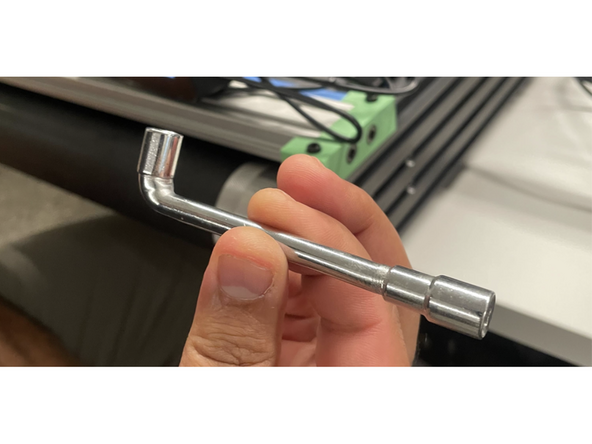
Hold the heater block steady with the provided wrench so it does not twist. Use the official socket nozzle tool to unscrew the hot nozzle counter-clockwise.
-
Place the hot nozzle onto a heat-safe surface on the bed to cool down.
-
Set the noozle temp to 0°C and wait for the screen to indicate it has returned to room temperature.
-
-
-
Insert a new nozzle, leaving it loose. Heat the nozzle to 290°C.
-
Once temperature is reached, hold the heater block with your wrench and tighten the new nozzle clockwise with the socket tool, until it is snug.
-
Set the nozzle temperature to 0°C. Allow the assembly to cool down, then reinstall the silicone sock with the cutout notch facing front. If the sock is installed backwards, it will affect the levelling process.
-