-
-
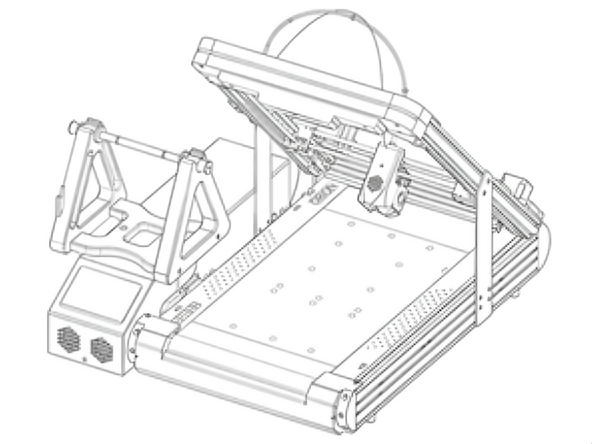
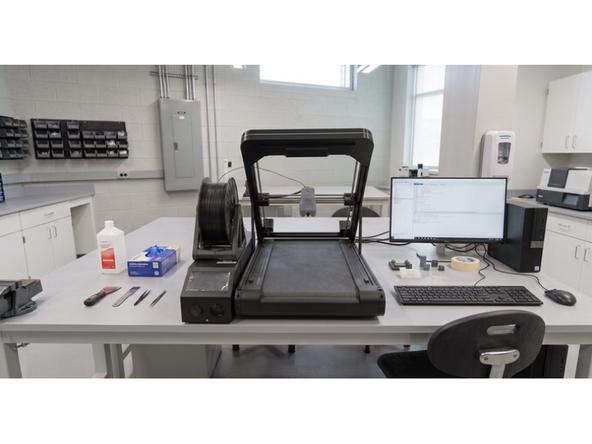
Unpack the Orion printer and place it on a flat, sturdy table in a well-ventilated area.
-
Follow our full Site Prep Guide to set Orion up in your work area, connect to network and power on.
-
Ensure moving parts are clear of obstructions and keep hands away from high-speed mechanisms during operation.
-
-
-
For your first print, prepare a soft shell orthotic in Aero. Use Stryde Scan, or your own scanning software, to get your scans ready.
-
Follow our Getting Started with Stryde Design Guide to import your scans and prepare your first designs, or use your own design software if not using Stryde Design.
-
Follow our Getting Started with Stryde Print Guide to connect your printer to Stryde Print and queue up your models.
-
-
-
Preheat the nozzle to 240°C for Aero and feed filament through the guide tube. Follow our full Loading Filament guide.
-
After loading filament and ensuring that the nozzle is extruding properly, you can start your first print.
-
Inspect the bed for cleanliness and tap 'Print' on screen to begin your first test run.
-
-
-
After successful soft shell prints with Aero, you can move on to printing rigid shell orthotics with Align. Follow our full Printing with Align guide to set up and start printing.
-

Cancel: I did not complete this guide.
One other person completed this guide.
